Dateable
How to choose your photos
Six recent photos, a clear face first, soft light, and nothing in the frame that shows where you live or work. Here is how to pick and order them.
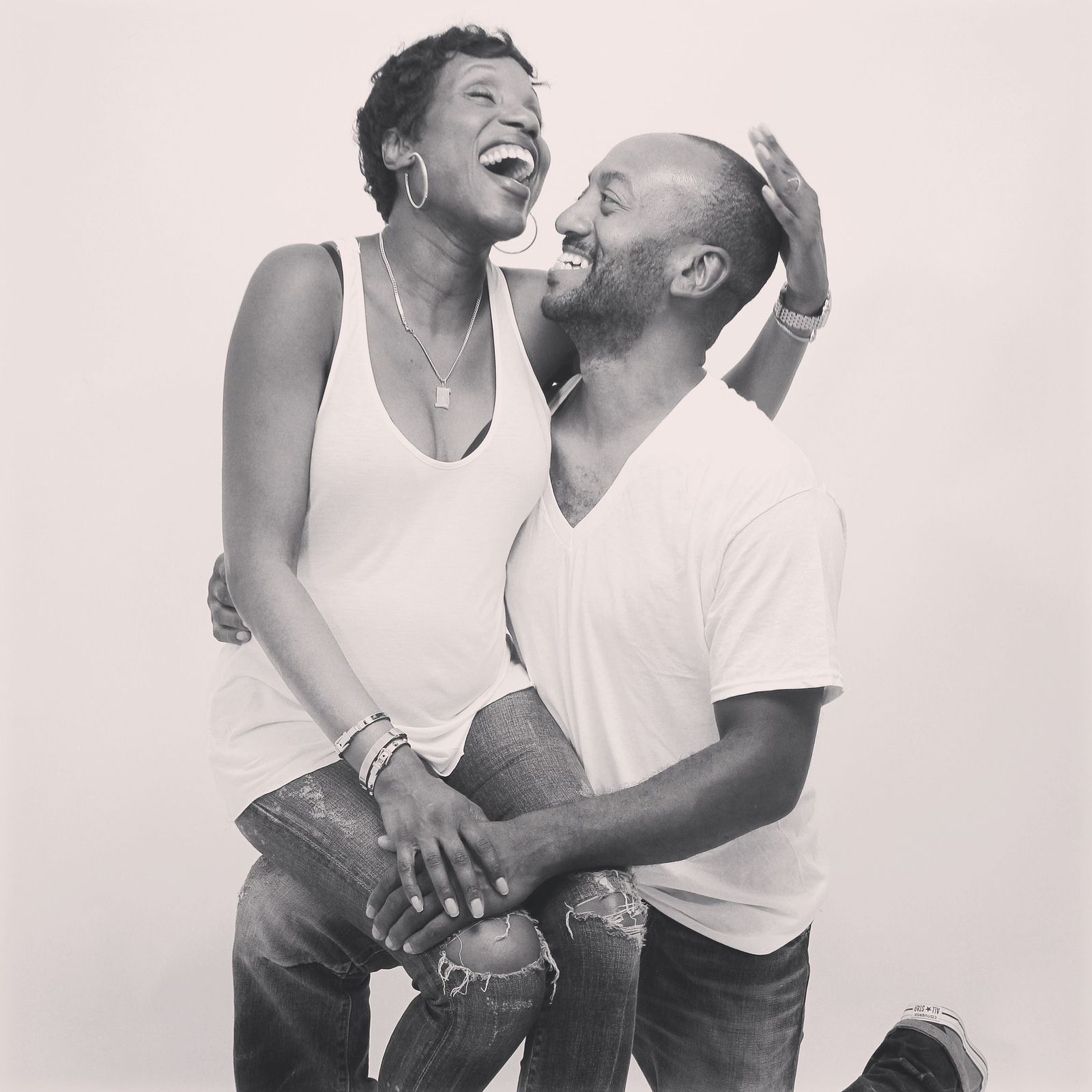
By the end of this guide you will have six photos chosen, put in order and checked for anything that shows where you live or work. You will also know what belongs in your private album and what stays off Dateable altogether.
Dateable takes up to 12 public photos and up to 12 private ones. Six public photos is the number this guide works to: enough to show your face, your shape and your life, few enough that every one earns its place. Your profile counts as complete once it has a photo, three profile fields and an about of 50 characters or more. Until then you browse with photos blurred.
What Dateable already does with your photos
Five rules shape every choice below. Know them before you pick a single photo.
- Your first public photo shows your face. It is a rule, and a reviewer compares your verification selfie with your profile photos.
- Location data comes off. Dateable strips EXIF data when you upload. EXIF is the hidden detail a camera stores in a file: the time, the device and often the GPS position.
- A person reviews every photo before any other member sees it.
- Private photos need your say-so. A member requests access, you grant it, and you can revoke it later, one member at a time.
- Changing your first photo means verifying again. Pick it with care and you verify once.
The six photos, in order
Put your strongest photo first. The other five support it, each showing something the one before could not.
- A clear face, alone, in soft light. Head and shoulders, looking at the camera, no sunglasses, no hat brim shading your eyes. The first photo must show your face, and your verification selfie is checked against your photos, so it should look like you on an ordinary good day.
- Full length, taken this year. Standing, in clothes you would wear on a date. It answers the question everyone has and nobody asks, and a first meeting starts without a surprise on either side.
- Doing something you actually do. Cooking, on a walking trail, at the piano, with a paintbrush. It hands the other person an easy first message and says more than a line in your about.
- Dressed for an evening. A suit, a good dress, whatever you would wear to a fine restaurant or an opening night. Dateable is built around dinners, events and invitations; this photo shows you fit at one.
- A relaxed, candid shot. Laughing, mid-conversation, in a café or a garden. Posed photos show how you look. A candid one shows what you are like to be around.
- A second face photo in different light or from a different angle. Outdoors if the first was indoors, three-quarter view if the first was straight on. Two clear views make you easy to recognise when you meet, and show the first photo is not a lucky angle.
If you cannot fill six without breaking a rule further down this page, post four good ones. Four honest photos beat six padded ones.
Get the light right
Most weak dating photos are badly lit, not badly taken. You do not need a photographer. You need a window and a friend.
| Light | What it does | Use it for |
|---|---|---|
| Daylight from a window, face turned towards it | Soft and even, kind to skin | Photos 1 and 6 |
| Open shade outdoors, beside a building or under a tree | Even light, no squinting | Full length, candid |
| The hour after sunrise or before sunset | Warm, low, flattering | Activity, candid |
| Midday sun overhead | Hard shadows under eyes and nose, squinting | Avoid, or step into shade |
| Ceiling light at night | Dark eye sockets, yellow cast | Avoid |
| Phone flash | Flat face, shiny skin, dark background | The evening photo, and only if nothing else works |
Taking the face photo
- Stand facing a window, a metre or so back. The light falls evenly across both sides of your face.
- Have your friend hold the phone at your eye level or a little above. A camera below the chin flatters nobody.
- Use the back camera, not the selfie camera, with your friend a couple of steps away. The back camera is usually the better lens, and distance stops a close lens stretching your nose and forehead.
- Take thirty photos, not three, and talk the whole time. The one where you are halfway through a laugh is usually the keeper.
- Turn off the flash and any beauty mode before you start. The point is to look like you.
Asking a friend feels awkward for about ten seconds. Say it plainly:
Could you take some photos of me for a dating profile? Twenty minutes by the window, then outside. I'll buy the coffee. Keep talking to me so I don't freeze up.
Filters, edits and old photos
Crop, straighten, fix the brightness. Stop there. A heavy filter, a slimming edit or a photo from five years ago works against you twice. A reviewer compares your verification selfie with your photos, so photos that look like you today make that check simple. And your date compares you with them the moment you walk in.
eSafety lists a profile that does not match how someone acts or sounds as a red flag in online dating 1. People who read that advice are the people you want to meet. Give them nothing to doubt.
Keep identifying details out of every frame
A face alone rarely tells a stranger where to find you. The background often does. WA's Sexual Assault Resource Centre advises keeping your address, workplace, family names and regular places private until you trust someone 2. A photo can give all of those away without a word.
The OAIC puts it in privacy terms: it treats a photo of you as personal information once your identity is clear or could reasonably be worked out from it 3. Treat every photo as something a stranger can study at leisure.
| In the frame | What it gives away | The fix |
|---|---|---|
| Your front door, your street, the view from your balcony | Where you live | Shoot against a plain wall, or somewhere you rarely go |
| A car number plate | Your car, often your suburb | Crop it, or choose another photo |
| A work uniform, lanyard, name badge or office logo | Your employer | Change clothes, or crop |
| Your regular café, gym or running track | Where you will be, and when | Use a place you visit once |
| Mail, screens, labels, documents on a bench | Your name and address | Clear the room before you shoot |
| A distinctive tattoo or birthmark | A link to your photos elsewhere online | Private album, or leave it out |
| Children, your own included | Their faces and their routine | Never on a profile |
| Friends' faces | Their identity, not yours to share | Ask first, or crop them out |
| A photo already on Instagram, Facebook or LinkedIn | Your full name, in one search | Use photos that appear nowhere else |
That last row is the one people miss. Scamwatch tells daters to run a reverse image search on a match's photos 4. Anyone can run the same search on yours. If a profile photo also sits on a public social account, one search leads from your Dateable profile to your name, your employer and your friends. Take new photos for Dateable and post them nowhere else. More on separating your dating life from the rest: how to protect your privacy.
The two-minute check before you upload
- Look at the edges of the frame, not the middle. Identifying details hide in corners: a street sign, a plate, a letter on the bench.
- Zoom in on reflections in mirrors, windows and sunglasses. They show rooms and faces you did not mean to share.
- Ask yourself whether someone who has never met you could find this place. If yes, crop or swap the photo.
- Run a reverse image search on the photo yourself. If it finds any of your accounts, choose another.
- Check every face besides yours. If that person has not agreed, crop them out.
Photos with other people
Leave your ex out, even cropped. A shoulder at the edge of the frame starts a conversation you do not want to have. Group shots make people guess which one is you; if you use one, it goes last, and you are plainly the centre of it.
Everyone else in a photo has their own privacy. The OAIC advises anyone who finds a photo of themselves posted without permission to ask the person who posted it first 3. Spare your friend that conversation and ask before you upload:
I'd like to use the photo from the wedding on my dating profile. I'll crop you out, but tell me if you'd rather I didn't use it at all.
What goes in your private album
Your public photos are for every member browsing. Your private album is for members you choose. A member requests access, you grant it, and you can revoke it later. The full process is in private photos and who sees them.
Good private album photos are ones you are happy to share but not with everyone: a holiday photo in front of a famous landmark, a photo showing a distinctive tattoo, more from a special evening, a photo with a family pet at home. Grant access once you have talked for a while, not in reply to a first message.
When someone asks for more photos
A polite request to see your private album is normal. Pressure for photos outside Dateable, or for intimate photos, is not. Requests for intimate photos appear on WA ScamNet's red flags for the sugar baby scam 6 and on Scamwatch's warning signs for relationship scams 4.
You owe nobody a photo. Words for the usual requests:
My profile has what I share with everyone. If we keep talking, I'm happy to open my private album.
I don't send photos outside Dateable. Let's keep chatting here, and if we get on, meet for a drink.
No. That's not something I share. If that's a deal-breaker, no hard feelings.
Upload, review and verify in this order
- Upload all six from your profile in the order above. Every photo is reviewed before other members see it, so uploading the set together means members meet the finished profile, not half of it.
- Write your headline and about while the photos are in review. How to write your profile has the words.
- Verify once your first photo is the one you want to keep. A reviewer compares a live selfie with your profile photos, and a new first photo means verifying again. The verification page explains the check.
- Add private photos last, and grant access only when a conversation has earned it.
- Refresh a photo when it stops looking like you: a new haircut, a beard gone, a year passed. Swap photos two to six first; change the first one only when you are ready to verify again.
A note for each side
Generous members: your photos show you, not your assets. A car or a house front carries a plate or a street, and the table above applies to both. The evening photo does the work: it shows you are at home at a good table without a price tag in the frame.
Attractive members: a professional shoot is fine if it still looks like you on a normal day. Skip heavy retouching; your verification and your first date both compare you with the photos. Your control is the point: public photos for everyone, private ones only for the members you pick, and access you can revoke.
Questions people ask
How many photos should I put on my dating profile?
Six is a good number. It covers a clear face, a full-length photo, an activity, an evening look, a candid shot and a second face photo from another angle. Dateable takes up to 12 public photos, but more is not better if the extras repeat the same look. Four honest, recent photos beat six padded ones.
Should my first dating profile photo be a selfie?
A photo taken by a friend is usually better. Use the back camera, stand facing a window, and have the phone at eye level or a little above. On Dateable the first public photo must show your face, and your verification selfie is compared with your photos, so choose one that looks like you on an ordinary good day.
Can I wear sunglasses in dating profile photos?
Not in your first photo. It must show your face clearly, and sunglasses hide your eyes, which is most of what people look at. One photo later in the set with sunglasses is fine if the rest show your face well. Check the lenses for reflections too: they can show the room or the person holding the camera.
Should I use filters on dating photos?
Crop, straighten and fix the brightness, then stop. Heavy filters and slimming edits make you look unlike yourself, and both your verification check and your first date compare you with your photos. A profile that does not match the person is a red flag people are taught to watch for, so edits cost more trust than they gain.
Is it safe to put photos of my face on a sugar dating site?
A clear face photo is needed, and it is safe when the rest of the frame gives nothing away. Keep out your street, car plate, workplace and regular places. Use photos that appear nowhere else online, so a reverse image search cannot link your profile to your name. Dateable strips location data on upload and reviews every photo before other members see it.
Should I post photos with friends on a dating profile?
Use one at most, put it last, and make sure you are plainly the centre. Ask your friends before you upload, or crop them out: their faces are theirs to share. Leave exes out entirely, even cropped. Group shots make people guess which person is you, and the guess is rarely flattering to anyone.
What photos should I keep private on a dating site?
Photos you are happy to share, but not with everyone: a holiday photo at a recognisable landmark, a distinctive tattoo, more from a special evening. On Dateable a member requests access and you grant or revoke it per member. Keep intimate images out altogether; once shared, they cannot be fully taken back.
Sources
- eSafety Commissioner (2026). Online dating | How to stay safe.
- Sexual Assault Resource Centre, North Metropolitan Health Service (Government of Western Australia) (2021). Safe online dating.
- Office of the Australian Information Commissioner (2026). Photos and videos.
- Scamwatch (ACCC) (2026). Relationship scams.
- Office of the Australian Information Commissioner (2026). Mobile devices.
- WA ScamNet (Government of Western Australia, Consumer Protection) (2026). Sugar baby scam.
- eSafety Commissioner (2026). Image-based abuse (including revenge porn, sextortion and nude image blackmail).